
Online box editor: get your price in 2 minutes
Round boxes and collapsible boxes are quoted individually: contact us
The Box Editor is a visual tool where you build your own box and see its price instantly.
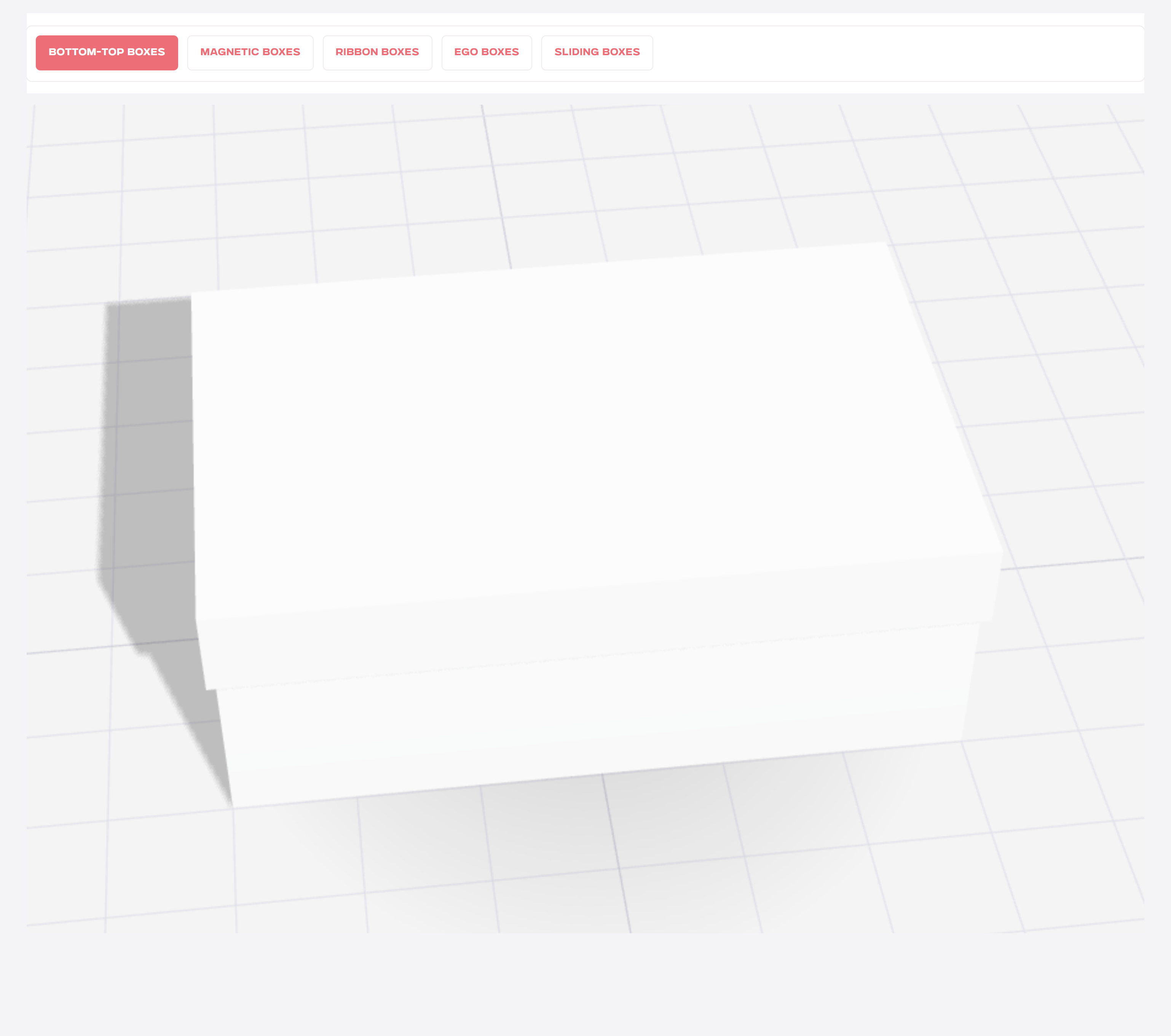
Above the 3D preview you will find tabs for each box type: lid and base, magnetic closure, ribbon closure, Ego and drawer boxes.
Pick the type you need, and the model in the preview changes instantly.
Rotate the box with your mouse and zoom in with the scroll wheel to see your future packaging from every angle.
Dimensions are in centimetres: choose from the available sizes or enter your own.
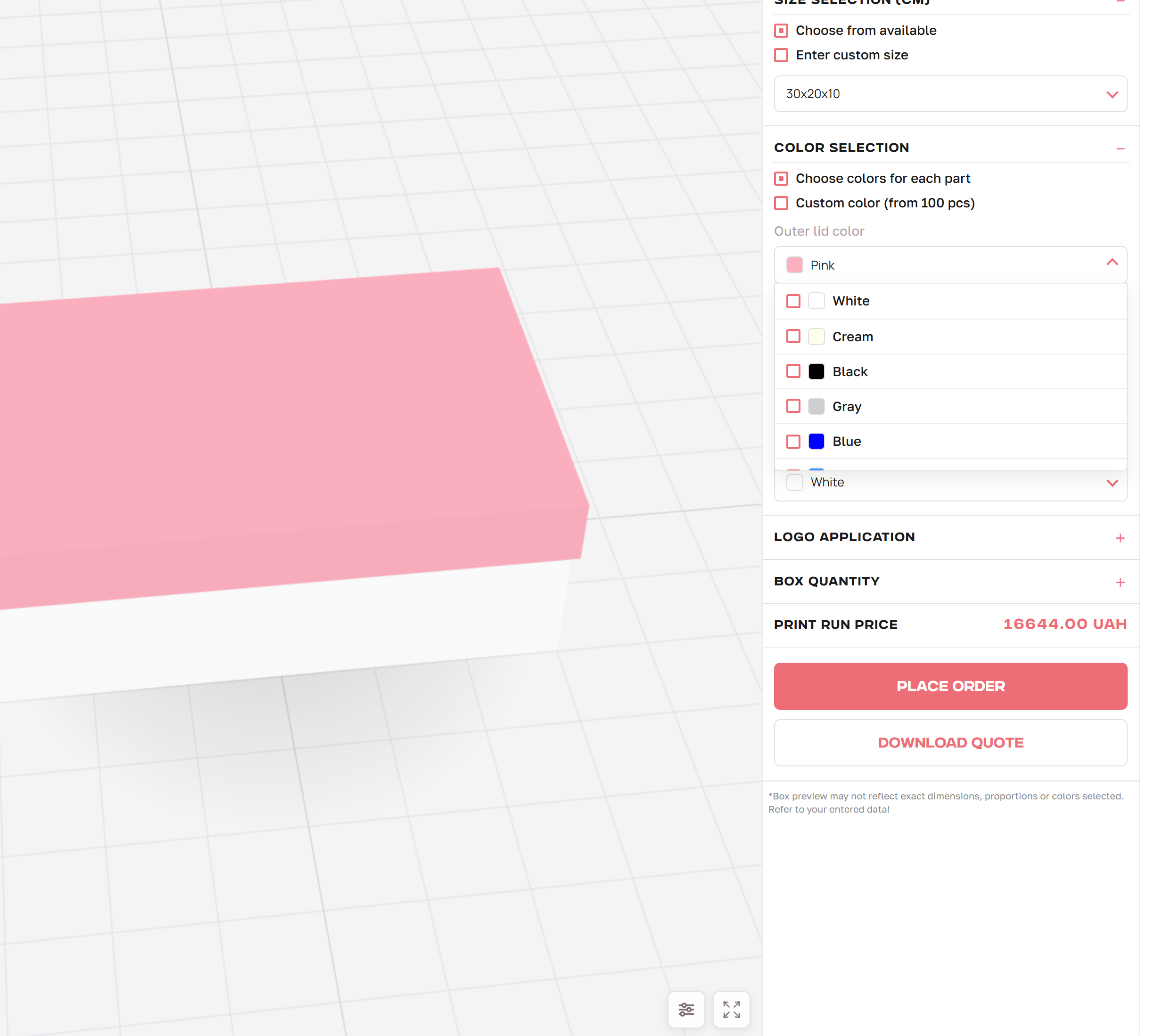
In the Colour block, you can set separate colours for the outside and inside of the lid and base: just pick the shades from the palette.
Need a brand colour? Tick Custom colour (from 100 pcs) and specify it in your order comment.
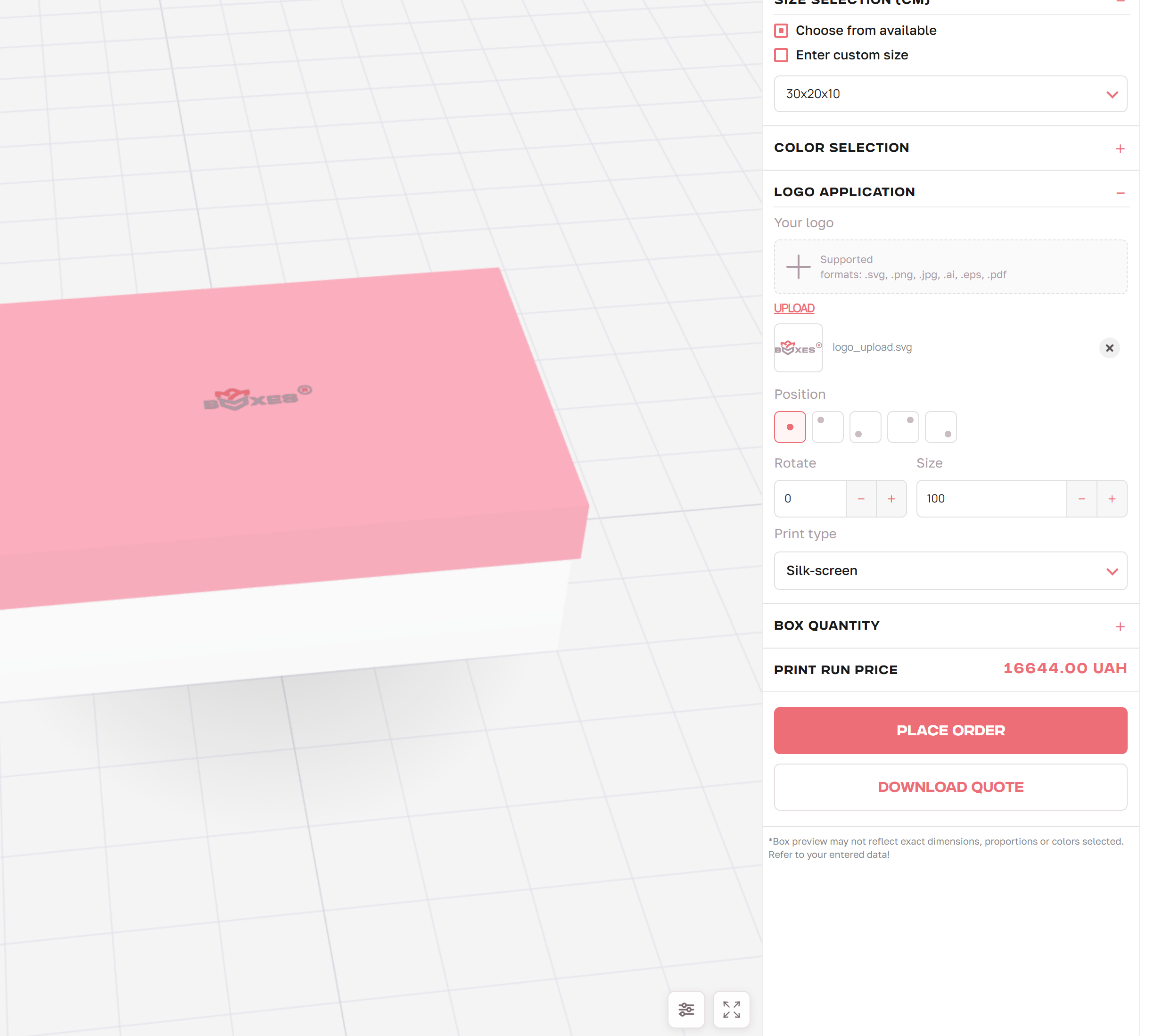
Upload your artwork in .svg, .png, .jpg, .ai, .eps or .pdf, and it appears on the box instantly.
Choose where the logo goes on the box, and rotate or resize it if needed.
Choose the application method from the Print method list. You can read more about each method on our service pages.
The print run price updates automatically after every change.
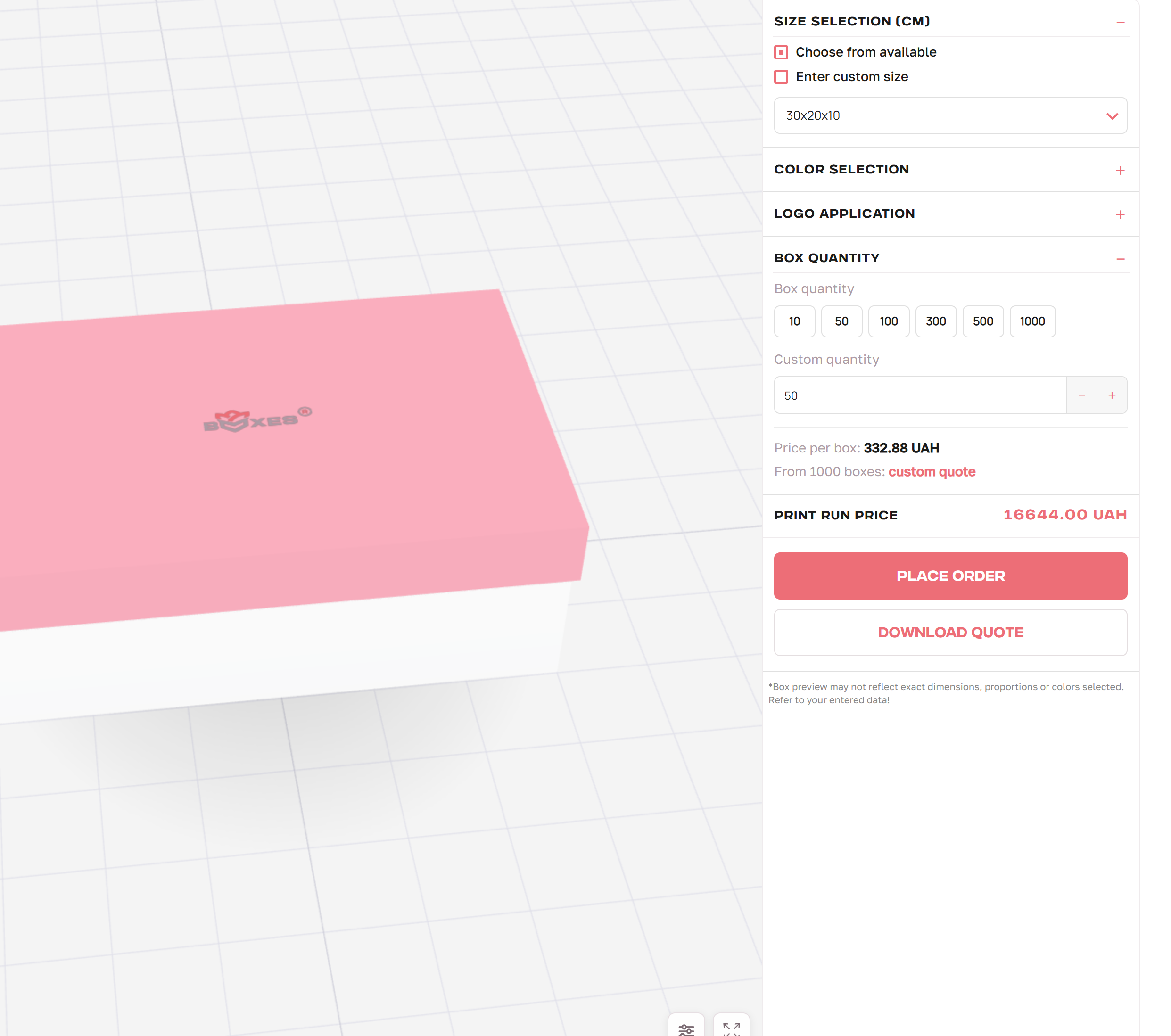
In the Quantity block, choose a run size or enter your own quantity, and the price per box appears next to it. Orders of 1,000+ boxes get a custom quote.
Click Request a quote and we will get in touch. The Download quote button saves a PDF with your configuration and prices.